Immigration Law
Short Answer: You can file a scanned, photocopied, or faxed copy of a USCIS form that you signed by hand, but you cannot paste a saved image of your signature onto the form. Typed names, stamps, and DocuSign-type software signatures are also invalid on paper or PDF-uploaded forms; electronic signatures count only when USCIS prompts for one inside a myUSCIS online filing. For requests submitted on or after July 10, 2026, 8 CFR 103.2(a)(7)(ii)(A) lets USCIS reject or deny a filing whose invalid signature is discovered after acceptance, and keep the fee.
A signature problem is one of the few filing mistakes that can surface long after USCIS has taken your fee and sent a receipt notice. Since July 10, 2026, USCIS can deny a case for an invalid signature at that late stage instead of simply returning it.
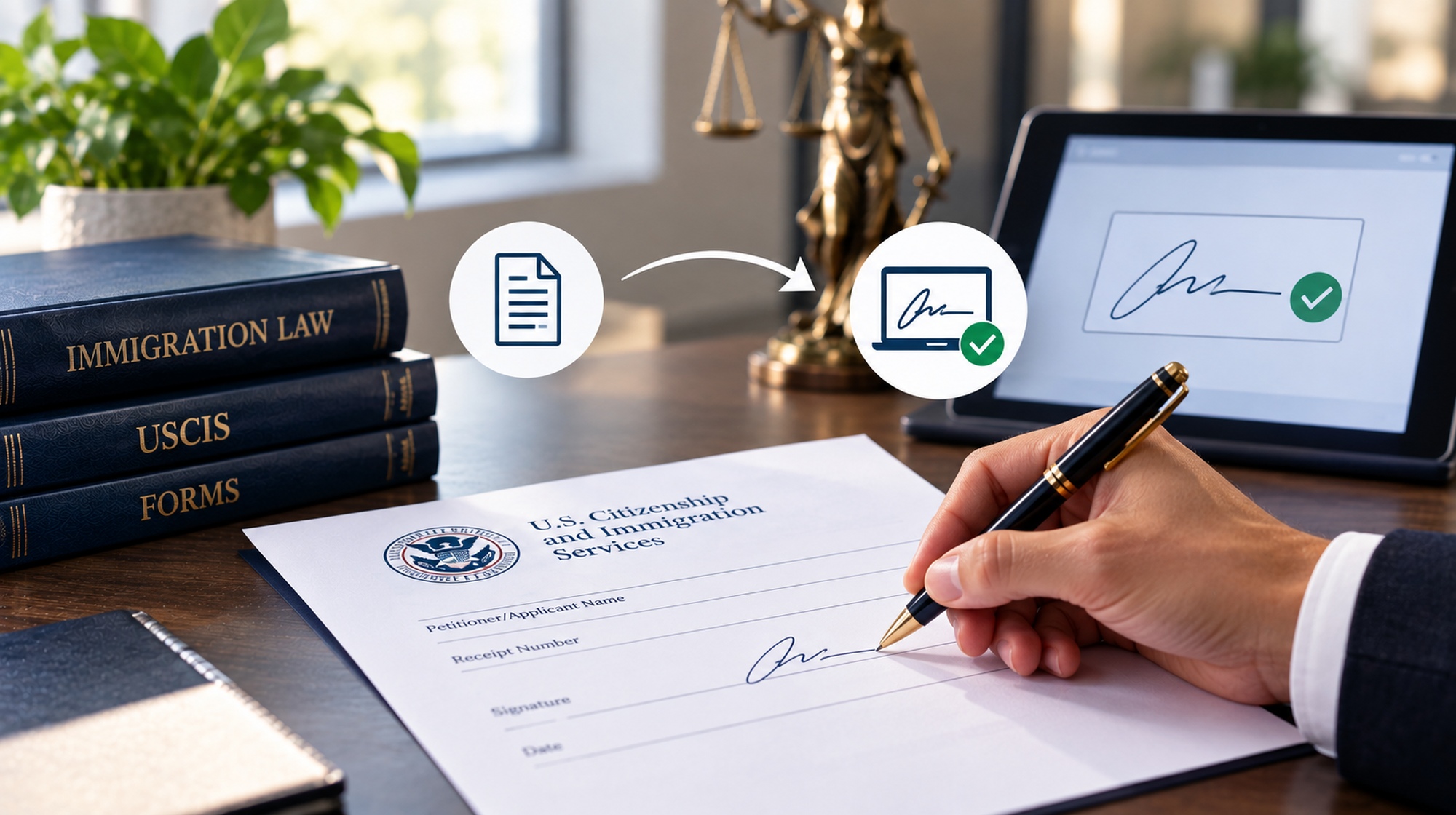
The rule that matters most is easy to state and easy to get wrong. A scanned copy of a form you signed by hand is valid. A scanned image of your signature pasted onto a form is not.
Under 8 CFR 103.2(a)(2), the applicant or petitioner must sign his or her own USCIS benefit request. The regulation treats a signature as acceptable if it is handwritten, or, for requests filed electronically where the form instructions allow it, in electronic format. Federal Register
The signature is more than a formality. By signing, the requestor certifies under penalty of perjury that the request and all evidence submitted with it are true and correct. The signature ties you personally to everything in the filing. Federal Register
A valid signature on a USCIS form does not need to be neat, readable, or written in English. Under the USCIS Policy Manual, the signature can be illegible, non-English, abbreviated if that is how the person normally signs, printed rather than cursive, or even an "X" or similar mark.
What matters is how the signature was made. USCIS does not accept signatures produced by a typewriter, word processor, stamp, auto-pen, or similar device.
Yes. USCIS accepts a scanned, photocopied, or faxed copy of a form, provided the copy was made from a document the signer actually signed by hand. The Policy Manual states that the regulations do not require an "original" or "wet ink" signature to be submitted, as long as the copy reproduces an original document bearing an original handwritten signature. USCIS first allowed reproduced signatures in March 2020 during the COVID-19 emergency and made that flexibility permanent on July 25, 2022. Federal Register
In practice, a client can generally:
Keep the original signed page after you scan it. If a filed copy has a signature that appears computer-generated or stamped, a USCIS officer may ask for the original document under 8 CFR 103.2(b)(5). Federal Register
No. Pasting a saved image of your handwritten signature into the signature box of a USCIS form creates an invalid signature, even though the image came from your own handwriting.
Here is what that looks like. You sign a blank sheet of paper, scan the signature, and save it as an image. Later you drop that image into the signature field of Form I-485, I-130, I-140, or another form. The signature started as handwriting, but the form itself was never signed by hand.
USCIS has singled out exactly this practice. In the preamble to its 2026 signature rule, DHS describes filers affixing an image of the same signature to multiple benefit requests, and reports that the AAO has decided 758 appeals of denials based on signatures copied from another document. DHS gives two examples: an authorized signatory who signed a blank page so a subordinate could copy it onto at least 20 Form I-129 petitions, and a consulting firm that filed roughly 3,000 Form I-140 petitions with pasted signatures. Federal Register
USCIS distinguishes a pasted signature from a scanned signed form because anyone with the image file can paste it onto a document the signer has never seen. DHS explains that a pasted signature image can be applied by someone other than the signatory, which undermines the certification the signature is supposed to provide. Federal Register
The regulation itself only says "handwritten." The rule against pasted images comes from the Policy Manual's requirement that a copy reproduce an originally hand-signed document, and from DHS's explanation in the rule's preamble. Whatever one thinks of that line, USCIS enforces it, and the practical lesson is simple. Print the form, sign it by hand, and then scan it.
DocuSign and similar signature-software programs do not produce a valid signature on a paper-filed or PDF-uploaded USCIS form. DHS has explained that it does not accept software-applied signatures on forms outside a USCIS online account, because that kind of signature does not authenticate the requestor as the person who signed. Federal Register
Electronic signatures are valid only in specific USCIS online-filing settings. When a requestor files through guided online filing or PDF upload in myUSCIS, the valid signature is the secure electronic signature USCIS prompts for during the process. Requestors filing on their own may also be prompted for one if no handwritten signature is detected on an uploaded PDF. No electronic-signature option currently exists for attorney-filed PDF uploads. Federal Register
The fact that a form can be filled out on a computer does not mean it can be signed on a computer. The same applies to a PDF you upload online. The handwritten-signature requirement covers both paper filings and forms uploaded as PDFs. Federal Register
Mandatory e-filing may change how many people sign USCIS forms, but not yet for most forms. A separate DHS interim final rule, effective August 11, 2026, allows USCIS to require electronic filing for any form that has been available for e-filing for at least 180 days, after giving 60 days' notice on its website. As of late August 2026, USCIS had not announced the first form subject to the mandate, and most forms available online could still be filed on paper where the instructions permit. Once a form becomes online-only, the secure signature inside myUSCIS will replace the handwritten one for that form. Federal RegisterLawfirm4immigrants
The person requesting the immigration benefit must generally sign the USCIS form personally. Under the Policy Manual, attorneys, accredited representatives, agents, preparers, and interpreters generally may not sign a benefit request on the requestor's behalf. Our article on the risks of using unauthorized paralegals for immigration applications covers how preparer shortcuts can backfire.
The exceptions are narrow:
For employer petitions such as Form I-129 or I-140, the signer must be someone authorized to legally bind the company. That can include an executive officer, a managing member or partner, an authorized HR employee, or in-house counsel. A Form G-28 lets an attorney appear on a client's behalf, but it does not by itself authorize the attorney to sign the client's request.
A DHS interim final rule effective July 10, 2026, Signatures on Immigration Benefit Requests (91 FR 25479), amended 8 CFR 103.2(a)(7)(ii)(A). Under the amended regulation, every form, benefit request, or document that requires a signature must have a valid one. If USCIS accepts a request and later determines the signature was invalid, it may reject or deny the request. Federal Register
The rule applies to requests submitted on or after July 10, 2026. When USCIS denies a request for an invalid signature, it may keep the filing fee and treat the requestor as ineligible for the benefit sought. The rule is an interim final rule. It is in effect now, and its comment period closed on July 10, 2026. Federal Register
The choice between rejection and denial belongs to the USCIS officer. DHS indicated that rejection, which returns the fee, may be more appropriate when the officer spots the problem early, or when the defect looks like an innocent error rather than a pattern of ignoring signature requirements. Federal Register
USCIS will not let you fix the signature on the pending filing. An officer can still issue an RFE or NOID to check whether a signature is genuine or whether the signer had authority, but DHS states that officers have no discretion to cure a signature that was invalid when the request was submitted. Federal Register
Two further points about scope:
A rejection and a denial lead to different outcomes after a USCIS signature finding:
Refiling after a USCIS signature rejection or denial fixes the paperwork, not the calendar. DHS acknowledges that because of long processing backlogs, an invalid signature may go unnoticed for months or years. By then, the requestor may be unable to refile because a visa is no longer available, a deadline has passed, or an age limit has been exceeded. Federal Register
Depending on the case, a late signature finding can mean:
Denials without a second chance are not limited to signatures. Our article on whether USCIS can deny a family petition without giving you a chance covers the broader picture.
Sign every USCIS form by hand, on the actual completed form, every time. When our office sends you a USCIS form for signature, review the entire form carefully before signing it.
Unless we specifically instruct you otherwise, print the signature page, sign it with a pen, scan the signed page, and return the scan to us. Keep the original signed page in a safe place in case USCIS asks for it.
Avoid these common mistakes:
A few extra minutes spent signing correctly can prevent a problem that may not surface until months after USCIS accepts the filing.
A USCIS RFE, NOID, rejection, or denial that questions a signature needs a strategic response. The right move depends on exactly what USCIS is challenging.
If USCIS is asking you to prove a signature is genuine or that the signer had authority, the answer is often documentary: the original signed page, or proof of corporate signing authority. If USCIS has already denied the case, the choice between an appeal, a motion, and a new filing depends on whether a deadline, priority date, or age protection is at stake. Treating it as a simple clerical fix and refiling can give up rights you cannot get back.
If USCIS has questioned the signature on your filing, or you are unsure whether a form you already submitted was signed correctly, contact me to talk through your options before you respond or refile.
Disclaimer: The information provided in this article is for general informational purposes only and does not constitute legal advice. Immigration laws and policies are subject to change, and individual circumstances vary. For advice specific to your situation, please consult with a qualified immigration attorney.
Oleg Gherasimov, Esq.
Stay informed with our latest articles and resources.